Windows 10 SSH服务
Windows 10 1809 和 Windows 2019已经内建了OpenSSH Client和OpenSSH Server。
安装
Windows 10 1809 提供了OpenSSH client和server的安装功能:
点击启动按钮,然后选择
Settings => Apps,在选择Apps & features => Optional Feature
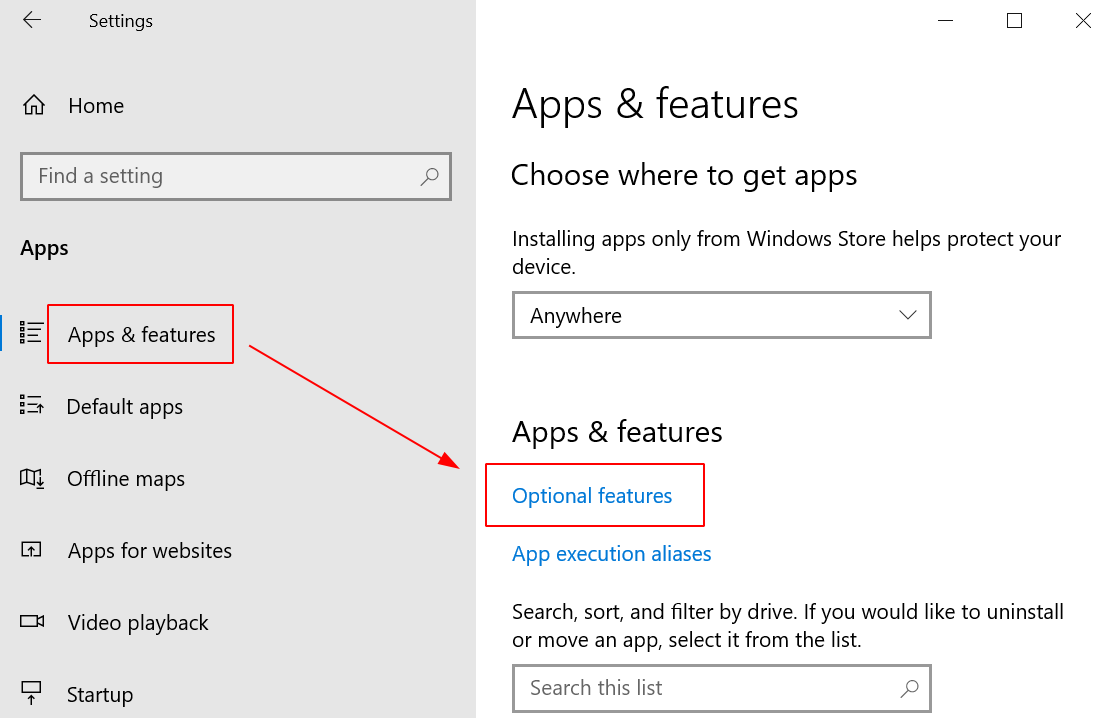
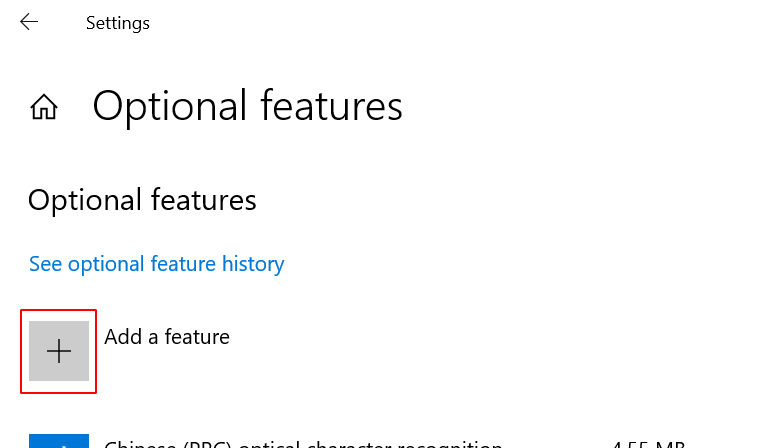
默认已经安装了OpenSSH client,只需要安装OpenSSH Server,所以点击
Add a feature
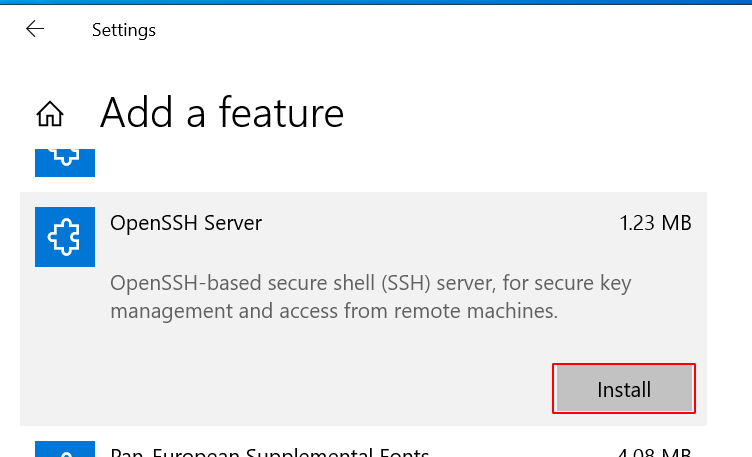
点击安装OpenSSH Server
启用
在启动按钮上右击鼠标,选择
Computer Management,然后在主机管理程序中选择Services and Applications => Services在服务列表中选择
OpenSSH SSH Server,然后点击启动按钮启动服务,就可以通过ssh登陆到Windows 10系统中在
OpenSSH SSH Server项目上右击鼠标,选择Properties,在属性配置中,将Startup type修改成Automatic,这样下次Windows 10启动时自动启动 OpenSSH Server